


Typical SIPP provider
Performance:
6.5%
Additional fee:
0.27%
Welcome to Smart Pension. It’s time to bring your pensions together, your way

From saving into your pension to taking your retirement savings flexibly, your Smart Pension account helps you manage your future with confidence.

Having more of your pension savings in your Smart Pension account could make a big difference over time.
Use the illustration below to see how bringing your pension savings together could make a big difference to you over time.
These illustrated values are not a guarantee of future returns and should not be relied upon as an indication of an individual member's savings growth. Their sole purpose is to highlight the effect of compounding based on different performance returns on pension pots over an extended period. The value of your investment can go down as well as up, and you may get back less than you invested. Returns are not guaranteed.
The illustrative example is based on popular SIPP providers offering medium-risk ready-made portfolios (typically 60-80% equities). Please note that SIPP ready-made strategies can fundamentally differ from that of Smart Pension, and therefore may not be directly comparable. Figures at April 2026. Based on 5 performance Smart Pension 5 year performance at 9.3% and SIPP provider median average 5 year performance at 6.46%.
Why bring your pensions together?
Many people build up several pensions during their working life. Keeping them in different places can make it harder to track your savings, but bringing them together gives you a clear view of your future.

Bring your pensions together in just a few clicks and manage everything from one Smart Pension account. Keep track of your savings in one place, making it easier to plan for the future.
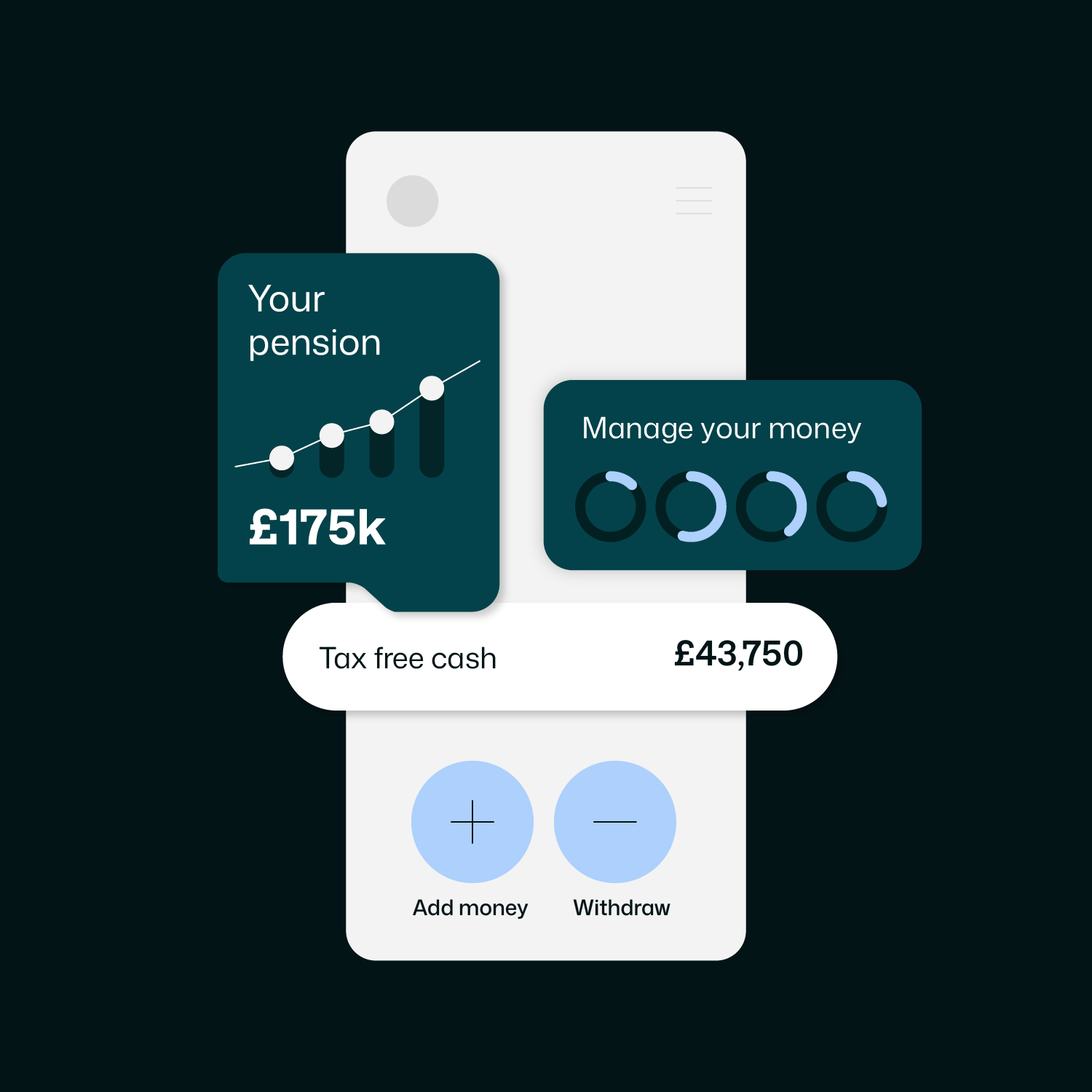
Manage your retirement savings from one easy-to-use account, without multiple sign-ins or paperwork.
Pay one set of charges rather than several and have more money for retirement.
Enjoy a single view of all your savings and keep track of your retirement goals.
Whether you want to grow your pension or take your retirement income your way, you can do both in one place.
How to transfer your pensions in three steps
If you haven’t signed into your account before, look for an email from Smart Pension and sign in for the first time.
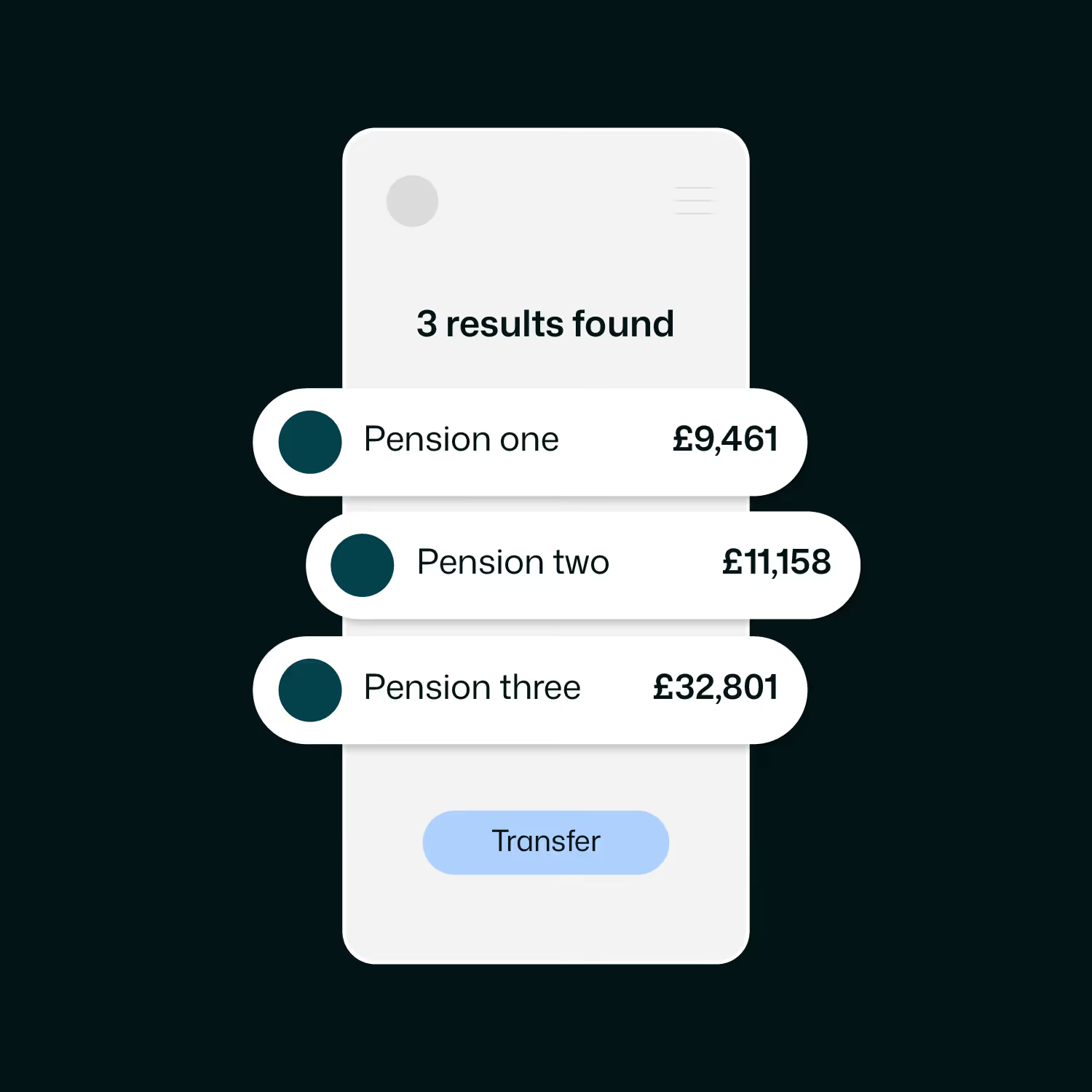
You can find, view or transfer your previous pensions to Smart Pension from here. Simply ‘Add a pension’ to get started.
We can’t provide financial advice, but we can discuss the benefits of moving your pensions together, and what you need to consider.

See how your pension savings are shaping up for retirement by bringing your old pensions into your Smart Pension and view your total savings in one place.

You can transfer from your online account, but most transfers can be requested through your account or the Smart Pension app. Our transfer team can provide guidance if needed.
Most transfers are completed within a few weeks. Transfers between UK pension providers are usually handled electronically, but some providers may contact you for additional information, which can extend the process.
Yes, you can bring all your pensions together with your Smart Pension account at any time, giving you a clear view of your savings.
We don’t charge you for transferring your pensions to us. However, the provider you are leaving may charge you, so always check what the charges are and if you lose any benefits.
Your transferred pension remains invested in line with your current Smart Pension investment choices. You can switch funds or update your investment strategy at any time using the Smart Pension app or online account.

Our UK Retirement Support Team is here to make retirement planning easier. If you have a question about your options, just give one of our specialists a call.