No results found.
Try a different search term or browse the help topics below.
Leaving your pension scheme is a big decision and could have a significant impact on your financial future. You will not receive pension contributions from your employer, which means you will miss out on free money for your retirement.
With Smart Pension, you may get to enjoy:
- stable growth over the long term
- a variety of funds for you to invest in
- lower charges
- tax relief added to your contributions or via payroll
- a range of retirement options, tools and support, helping you retire the way you want
Be aware that there are specific rules on re-joining so please think carefully before leaving your pension scheme.
The video below explains why your pension is important.
Still thinking of leaving?
There are two different ways to leave a pension scheme. Which one you can use will depend on how long you've been a member.
- Less than one month (Opt out) – if you're automatically enrolled by your employer but you don't want to be a part of the scheme, you can opt out of membership. This is the opt out window. You'll receive a refund for any contributions you've made within the opt out window. Please be aware that the refund will only be what you have paid in and not your employer's contribution, and will only be given if you opt out during the opt out window. To see how to opt out, scroll down to Section A.
- More than one month (Cease membership) – if you've been a member of the scheme for more than one month, but want to stop making contributions, you need to cease membership. Your contributions and your employer's contributions will stay invested, you will not get a refund.
To see how to cease membership, scroll down to Section B.
Section A
How to opt out
- Sign in and select the Stop paying in button at the bottom of the page.
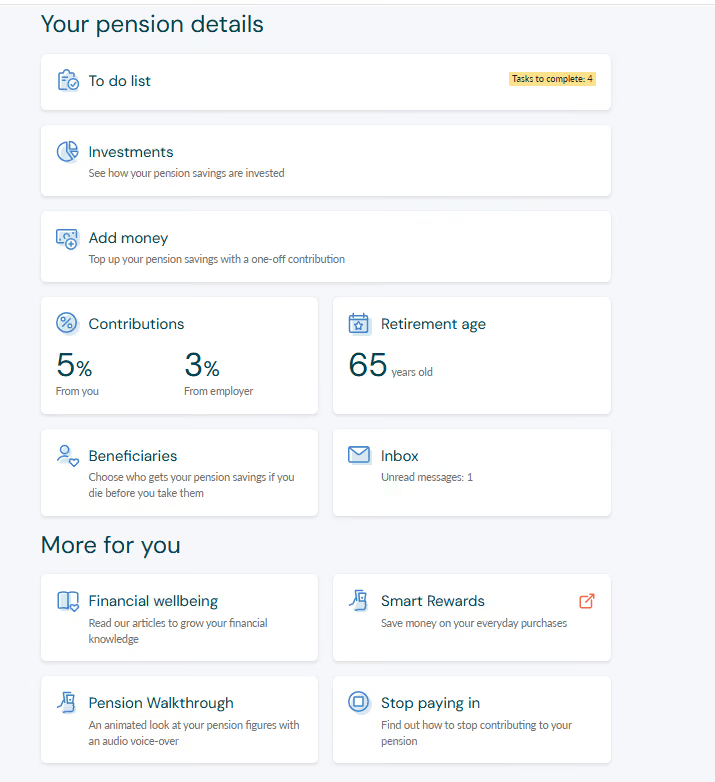
- You will be taken to the ‘Stop paying in’ page. From here, select I still don’t want to pay into this pension.
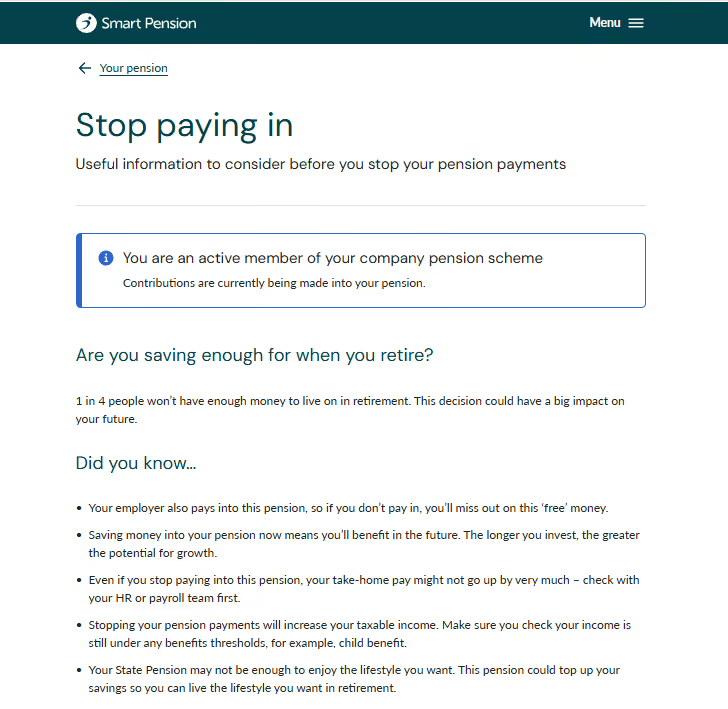
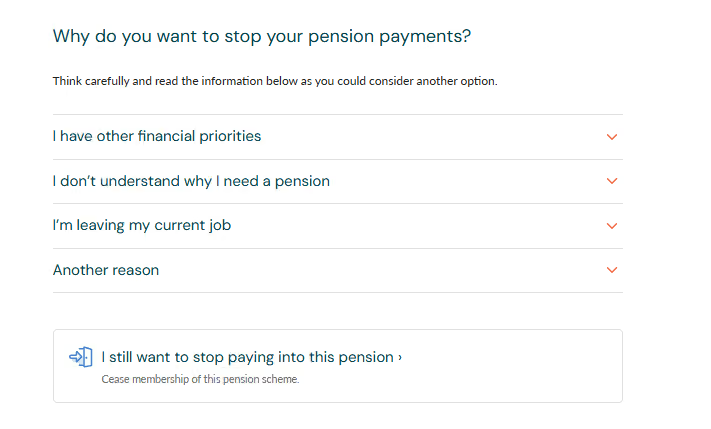
- You should read the information on the next page carefully. If you still want to opt out of this pension scheme, tick the boxes which confirm you are the scheme member and have understood the consequences. Then select I still want to stop paying into this pension.
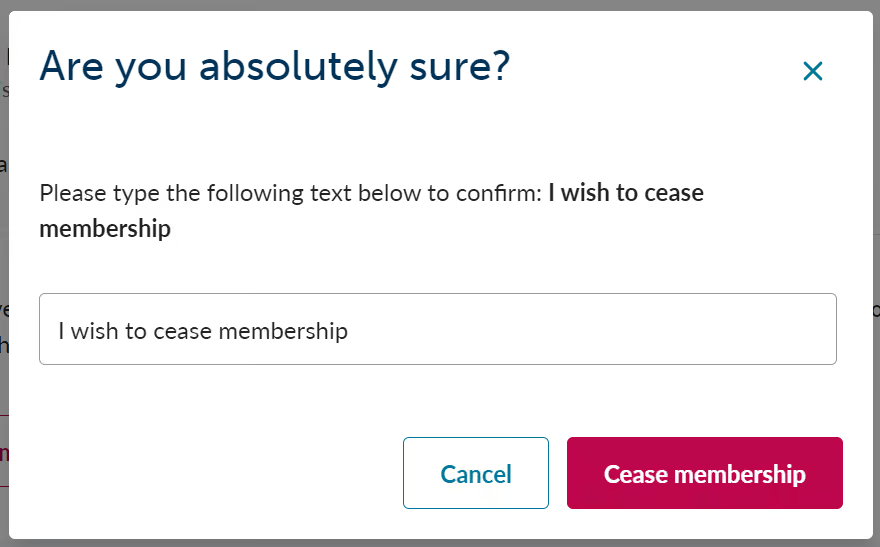
You also need to confirm why you would like to stop paying in by selecting a reason from the drop-down list. - A final warning pop up will appear. Type "I wish to opt out" in the box, to confirm.
Then, select the red Opt out button.
Section B
How to cease membership
- Sign in and select the Stop paying in button at the bottom of the page.
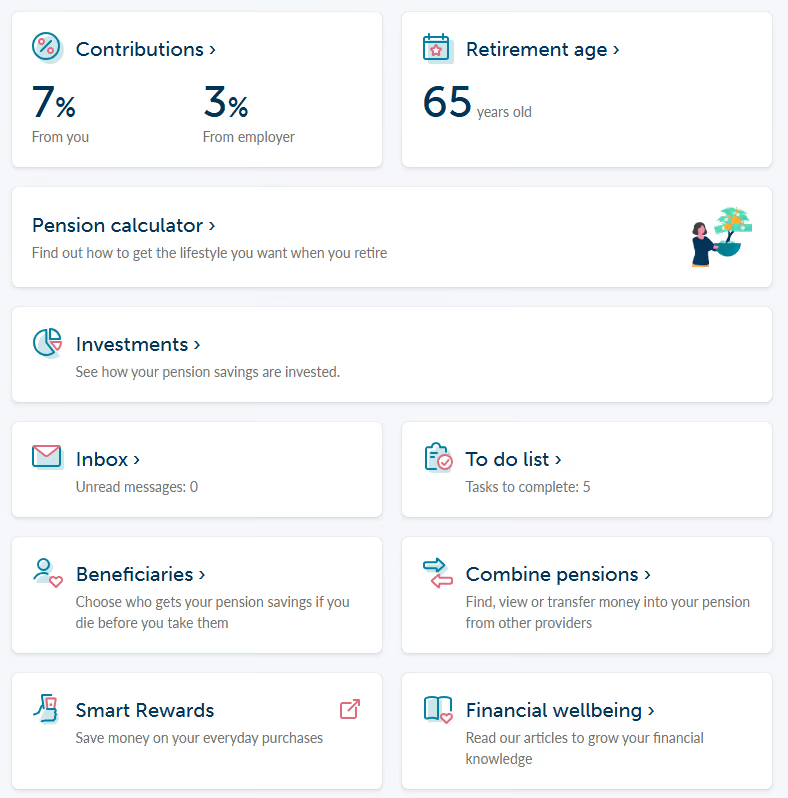

2. You will be taken to the Stop paying in page. From here, select I still don’t want to pay into this pension.
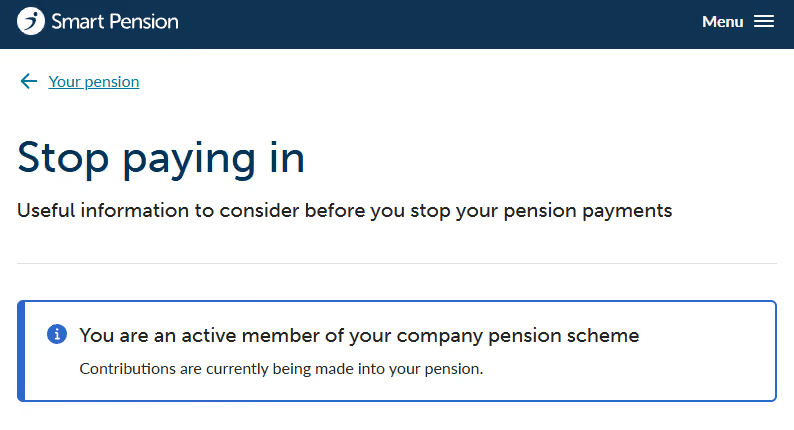
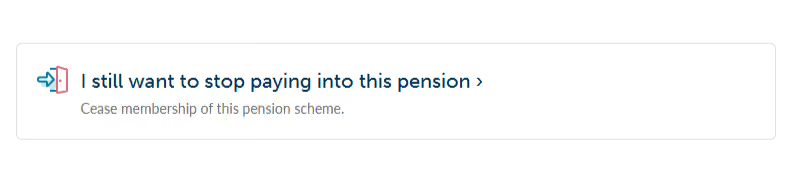
3. You should read the information on the next page carefully.
If you still want to cease membership, tick the boxes which confirm you are a scheme member and have understood the consequences and select Cease membership. You also need to confirm why you want to stop paying in by selecting a reason from the drop-down list.
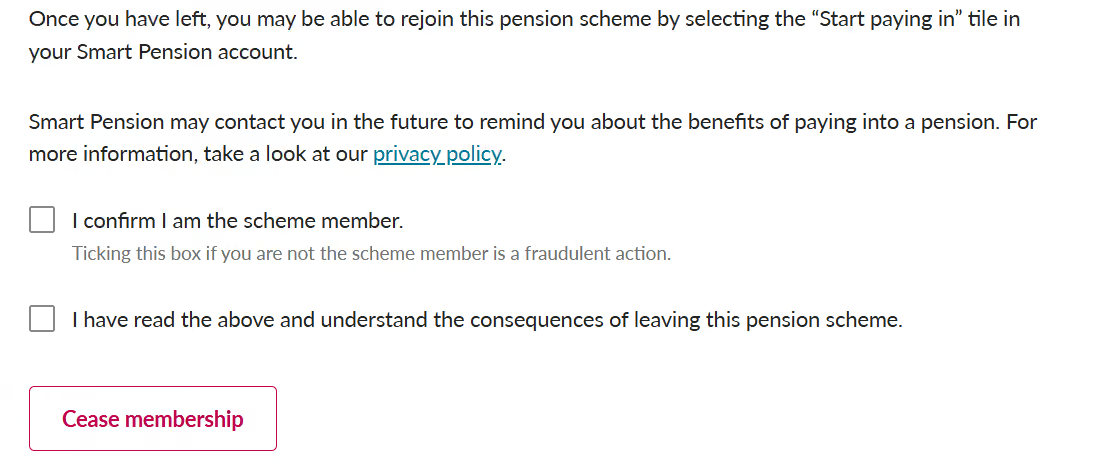
- A final warning pop up will appear. Type "I wish to cease membership" in the box, to confirm. Then select the red Cease membership button.