No results found.
Try a different search term or browse the help topics below.
Signing in with a letter from your employer
If your account was set up without an email address, your employer will print and send you a letter with a temporary username and password for you.
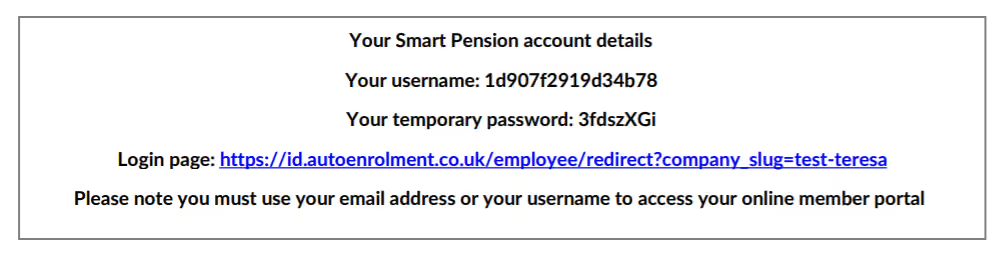
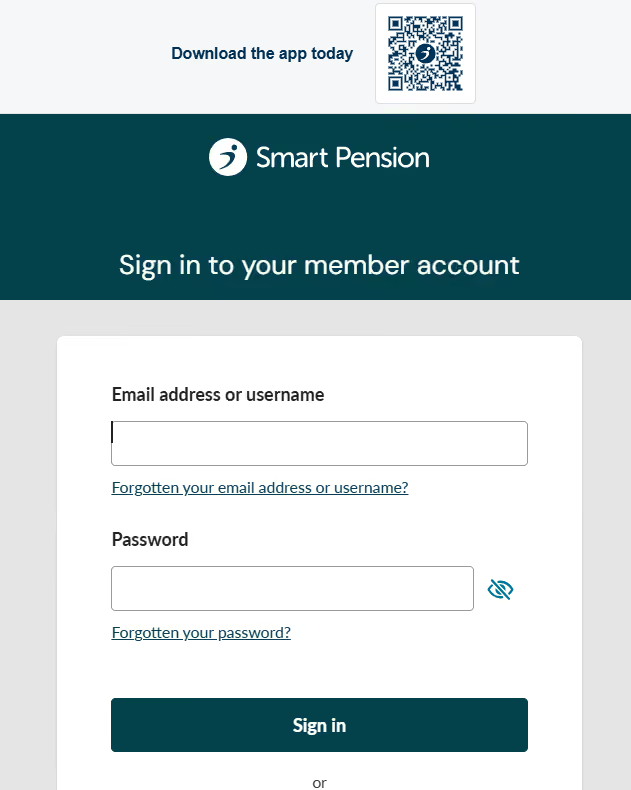
You can use the username in the email address field for the first time that you sign in. You will be asked to provide an email address to sign in with in future.
Signing in without any details
If you don’t know your sign in details, or have forgotten them, we have an easy way to get you set up online.
It only takes a few minutes, and by doing so today, you can keep track of your savings and plan for the future with confidence.
Keeping you safe and secure is our priority. That’s why we use an electronic identity verification system to make sure it’s really you. Here’s what you need to do.
- To get access to your account we will need a few details such as your name, date of birth and National Insurance number.
- Verify your identification by providing a passport or photo card driving licence.
- You will also be asked to provide a selfie.
- Once your ID is verified, you will then receive an email to sign in.
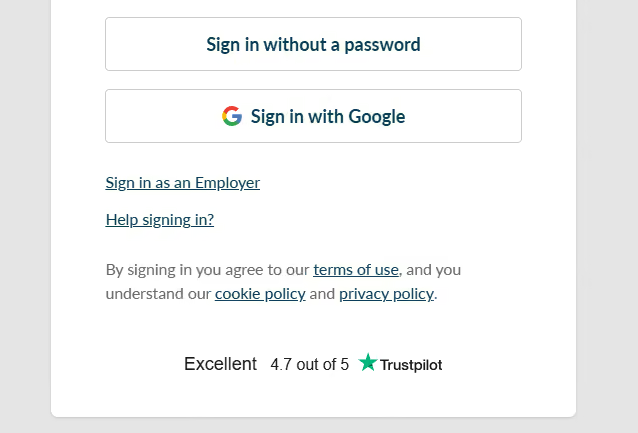
Access your account today and get started by selecting Help signing in on the sign in page.
If you’re no longer working for your employer, please call us on 0333 666 2626, or let us know via the contact us form.